How Ecommerce Teams Can Export Shopify Product Data and Catch SEO Issues in One Click
SEO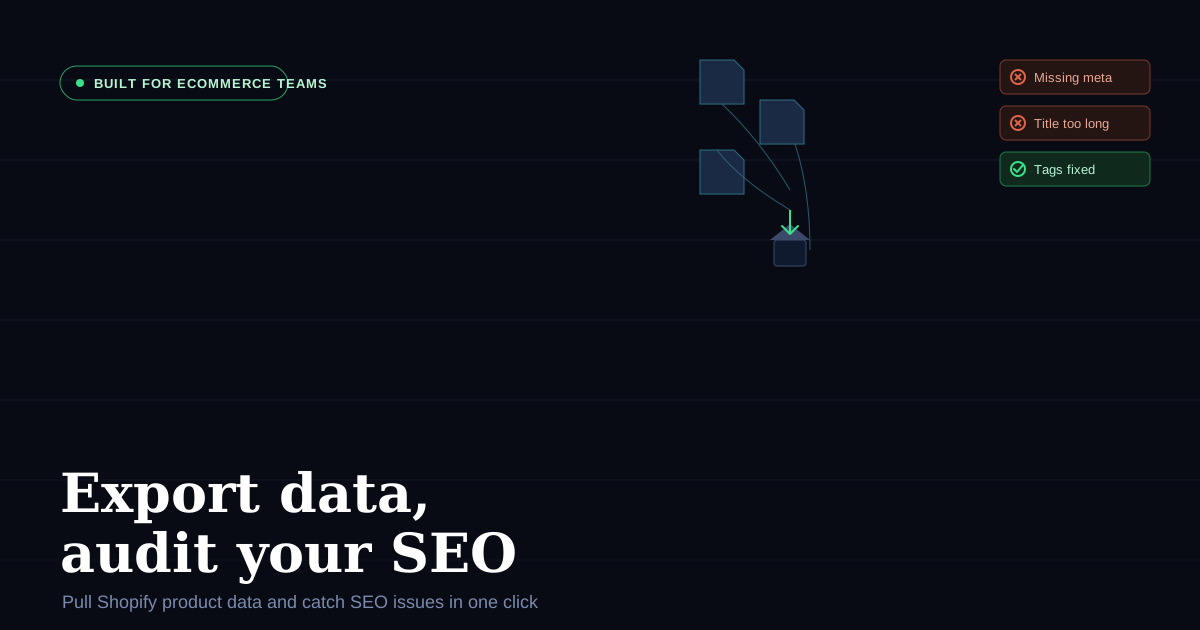
Every ecommerce team has the same recurring chores: pulling product data out of Shopify for a migration or a client report, checking whether a page's SEO tags are actually set up right, and doing it all without waiting on a developer or paying for another SaaS subscription.
I built Shopify Product Research, a free Chrome extension, to handle exactly that. No API keys, no Shopify admin access, no account setup — install it and it works on any public Shopify store. Here's how it's meant to be used by ecommerce teams day to day.
Exporting product data without touching the Shopify admin
Anyone who's requested API access just to pull a client's catalogue into a spreadsheet knows how much back-and-forth that can involve. This extension skips that step entirely by reading the same public storefront data your browser already loads.
CSV export — one click pulls product titles, handles, variant SKUs, pricing per option, image URLs, and product type into a spreadsheet-ready file. This is the one I reach for constantly: catalogue audits, quick competitor snapshots, handing a clean product list to a client without asking them for admin access.
JSON export — for anything more structured, the JSON export includes product IDs, handles, variant SKUs, full pricing across options, vendor, tags, and metafields. Useful when you're feeding product data into another tool, doing a platform migration, or need the full structured record rather than a flattened spreadsheet.
Bulk image export — download every image from a collection in one go, full resolution, named by product handle. When you're rebuilding a product catalogue or handing assets to a design team, this alone saves an afternoon of right-click-save-as.
Inspect structured product data inline — you don't even need to export to see it. The extension surfaces the full product JSON behind any product page — IDs, variants, option values, tags, vendor — directly in the browser, so you can sanity-check data without opening dev tools.
None of this requires the store owner's Shopify login. It works on any public storefront, which makes it particularly useful for competitive research and client onboarding, where you often don't have admin access to begin with.
Catching SEO issues before they cost you traffic
The second half of the workflow I built this for is auditing. Before a product or collection page goes live — or when organic traffic on an existing page starts slipping — you can run it through the extension's SEO tools.
SEO tag inspector — open the Inspector tab on any product or collection page and see exactly what a search engine sees: the live title tag, meta description, and social sharing tags. It flags anything missing, too short, too long, or out of spec, so problems are visible at a glance instead of buried in a page-source view.
Handles sparse pages gracefully — if a page is thin on content, the inspector fills the gap using the store's underlying product and collection data, so you're never staring at a blank result.
One-click full audit — hitting Run audit opens a complete SEO, GEO, and AEO audit pre-loaded with the current page URL, and it runs automatically. No copying URLs between tools, no manual setup.
Combined, this turns a "let's check if this page is optimized" task from a 15-minute multi-tool process into something you do between two other tasks.
A couple of extras that round out the toolkit
- Competitor catalogue auditing — browse any Shopify storefront and see its collection structure, product count, and variant depth, useful when scoping out how a competitor organizes their catalogue.
- Theme detection — see which theme any store is running, whether it's a Theme Store theme or custom-built, plus a one-click copy of the theme ID if you need to hand it to a developer.
- Price comparison — search a product and see what every Shopify store selling it is charging, with a side-by-side comparison for up to 3 products.
Why this fits an ecommerce team's workflow specifically
A few things I focused on that make this different from other export/audit tools:
- No API key, no login. It reads public storefront data, so any team member can use it on any store — including competitor stores and client stores you don't have admin access to.
- Nothing leaves the browser. No data is collected, stored, or sent to a server — it's local to your browser session, which matters when you're pulling client or competitor data.
- Completely free. No trial, no premium tier, no seat limits. Everyone on the team can install it individually.
- Works on standard and custom Liquid themes. It won't pull data from password-protected or headless storefronts, but any standard Shopify theme — including custom-built ones — works fully.
Get it
It's free on the Chrome Web Store:
👉 Install Shopify Product Research
If your team is doing catalogue exports or SEO checks by hand right now, it's worth the 30 seconds to install and try it on your next audit.
If the issues this flags turn into a bigger cleanup than one click can fix, my Shopify Technical Audit digs into the whole storefront and hands you a prioritised action plan.
I also run Collective Theme, where I build free Shopify tools for merchants and ecommerce teams.