Your Shopify Store Is Invisible to AI Shopping Agents — Here's the Free Fix
AI & GEO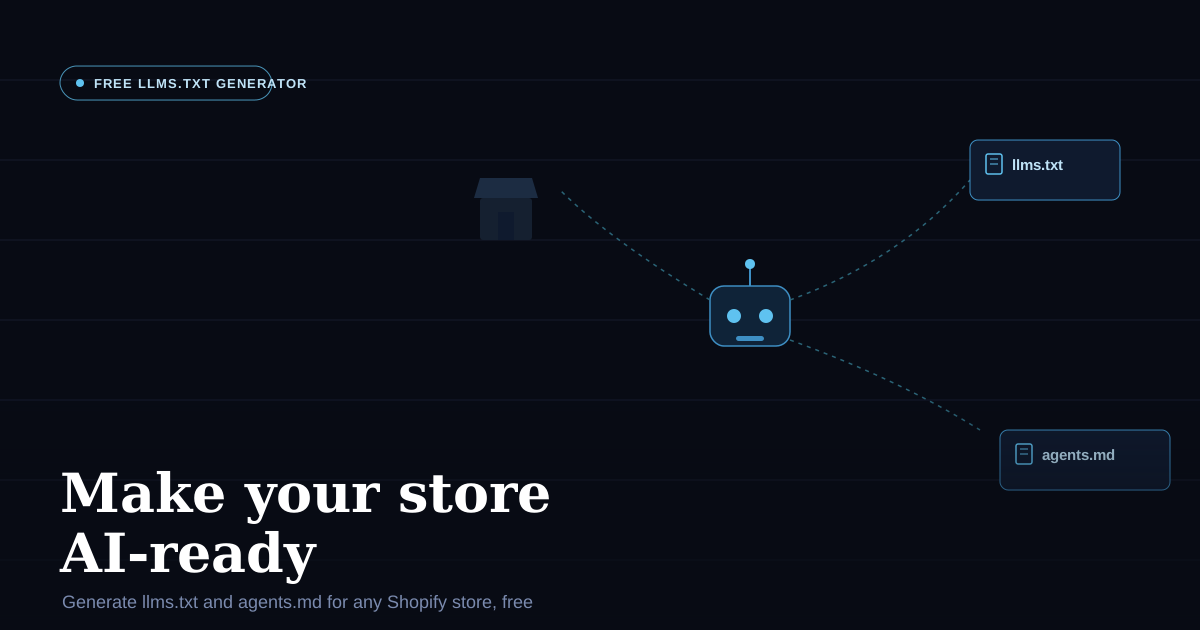
AI models are starting to shop on behalf of people. ChatGPT, Claude, and Shop's own AI assistant can already browse a storefront, answer "does this store sell X," and in some cases complete a purchase for a shopper — without a human ever loading the page themselves. The problem is that almost no Shopify store is actually set up to be read by these agents. There's no map telling an AI what the store sells, where the policies are, or how to check stock and place an order programmatically.
That's the same problem robots.txt and sitemap.xml solved for search engine crawlers twenty years ago, except this time it's for language models instead of Googlebot. So I built a free tool to fix it: the Shopify llms.txt Generator. Enter your store URL, and it generates a properly structured llms.txt, llms-full.txt, and agents.md — ready to publish, no account required.
Why this matters now
Search engines have crawled the web for decades using well-understood conventions — sitemap.xml, structured data, robots.txt. AI models don't work the same way. They have limited context windows, they don't crawl your entire site the way a search bot does, and increasingly, they're not just reading your store — they're acting on it: adding to cart, checking sizes, completing checkout for a shopper.
If your store has no file telling an AI what you sell, where your policies live, or how to interact with your product API, the AI either guesses (badly) or skips your store entirely in favour of one that's easier to parse. llms.txt and agents.md exist to close that gap.
What the tool actually generates
Point it at any Shopify store URL and it produces three files, each solving a different problem:
llms.txt — a navigation index for AI models, following the llmstxt.org spec. Think of it as a sitemap written for language models instead of crawlers: your store name, a one-line summary of what you sell, your top collections as a clean Markdown link list, and links to your policy pages. This is the lean version — just enough for a model to understand what your store is and where to look next.
llms-full.txt — a deeper reference for AI that needs more context before it can answer a shopper's question. This one is built from your live store data and includes featured products with descriptions, prices, sizes, and colours pulled directly from your product pages, plus links to relevant pages like your FAQ, size guide, and About page. If someone asks an AI "does this backpack come in green," this is the file that lets it answer without guessing.
agents.md — instructions for AI agents that need to do more than browse. This follows the emerging agents.md standard and includes five sections: a pointer to Shopify's Shop skill for AI shopping assistants that want to purchase on a user's behalf, your store's Universal Commerce Protocol (UCP) discovery and MCP endpoints so agents can search your catalogue and create carts programmatically, read-only JSON endpoints for agents that just need to browse, links to your store policies so an agent quotes your actual return window instead of hallucinating one, and a platform note that tells agents this is a Shopify store so they can use Shopify's native APIs correctly.
All three files are generated from your store's real, live data — not a generic template. Product prices, sizes, collection names, and policy links are pulled directly from the store you enter.
The benefits, specifically
- AI models can actually answer questions about your store correctly. Instead of an LLM giving a vague or wrong answer about what you sell or what your return policy is, it has a structured, current source to read from.
- AI shopping agents can transact on your store. The UCP endpoints and Shop skill pointer in
agents.mdmean agents that handle purchases on a shopper's behalf — Shop's assistant, ChatGPT with shopping features, and others coming — have what they need to search, add to cart, and check out on your store specifically. - You get discovered in AI-driven shopping, not just search. As more shopping starts inside a chat interface instead of a search bar, stores with no machine-readable presence are effectively invisible to that channel. This is the equivalent of having no sitemap in 2010.
- It costs you nothing to set up. No developer time, no app installation, no ongoing subscription. Generate the files, publish them at your store's root, done.
- It's built from your real data, so it stays accurate. Because the generator reads your live store rather than working off a static template, the output reflects your actual collections, products, and policies at the time you generate it.
How to use it
Go to the llms.txt generator, enter your Shopify store URL, and it generates all three files. Publish llms.txt and agents.md at your store's root (yourstore.com/llms.txt and yourstore.com/agents.md) so agents can find them at the conventional location. That's the entire setup.
It's free, takes about a minute, and — unlike most SEO work — this is one of the few places right now where being early actually matters, because almost no Shopify store has done it yet.
If you'd rather have this — and the rest of your store's technical setup — reviewed properly, that's exactly what my Shopify Technical Audit covers.
I also built Shopify Product Research, a free Chrome extension for exporting product data and auditing SEO, and I run Collective Theme, where I build free tools like this one for Shopify merchants.